
Why Your Phone Screen Is Touching by Itself — What Causes Ghost Touch?

Why Your Phone Screen Is Touching by Itself — What Causes Ghost Touch?
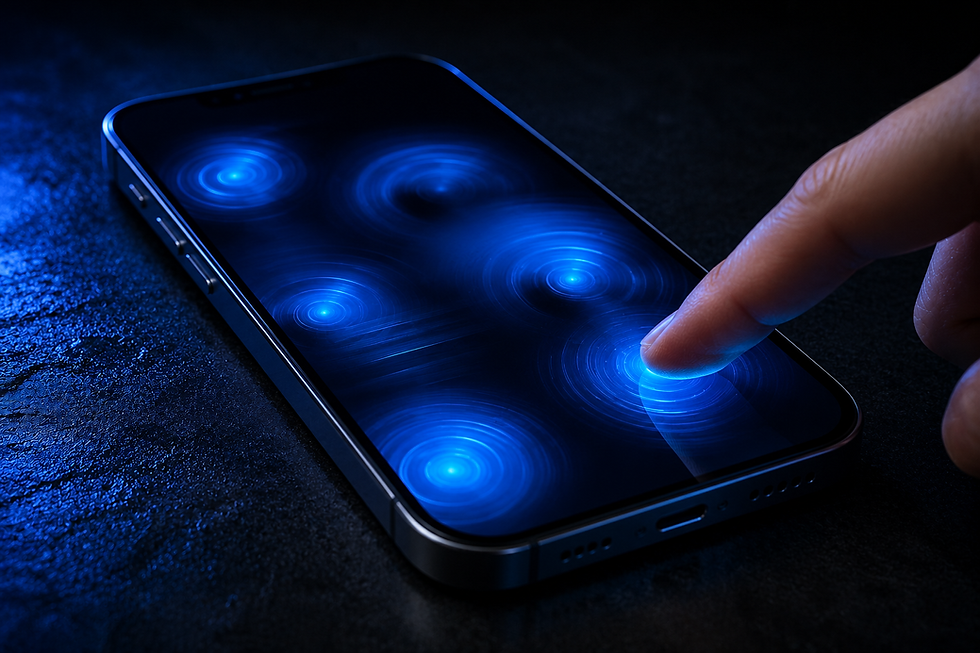
Have you ever seen your phone open apps, type letters, scroll, or press buttons without you touching the screen?
This problem is commonly known as ghost touch.
At TruFix Phone Repair in Greenville, SC, we see ghost touch issues on iPhones, Samsung Galaxy devices, and other smartphones. Sometimes the cause is simple, but in many cases the display or another internal component needs attention.
What Is Ghost Touch?
Ghost touch happens when your phone registers touches that you didn’t make.
You may notice:
* apps opening by themselves
* random typing
* the screen scrolling on its own
* buttons being pressed without touching them
* certain areas of the touchscreen becoming difficult to control
In severe cases, the phone can become almost impossible to use.
1. A Damaged Screen
Physical screen damage is one of the most common causes.
A drop may damage the touchscreen layer even when the glass doesn’t look badly cracked.
The display may still show a normal picture while the touch function behaves unpredictably.
2. A Low-Quality or Defective Replacement Screen
Ghost touch can also appear after a screen replacement if the replacement display is defective or poorly made.
Screen quality matters because the display assembly includes the components responsible for detecting touch.
A good-looking screen isn’t necessarily a good-quality screen.
3. Pressure on the Display
A swollen battery or damaged internal component can push against the back of the screen.
That pressure can interfere with touchscreen operation.
If the screen is beginning to lift away from the frame, the phone should be inspected promptly.
4. Moisture or Liquid Damage
Liquid can interfere with touchscreen connections and other internal electronics.
The problem may appear immediately after liquid exposure—or develop later as corrosion progresses.
5. Charging Accessories
If ghost touch happens only while the phone is charging, test the device with another cable and power adapter.
Poor-quality or defective charging accessories can sometimes cause touchscreen interference.
If the problem continues when the charger is disconnected, the cause is likely elsewhere.
6. Software Problems
Not every touchscreen problem is hardware-related.
A temporary software issue may sometimes cause abnormal touchscreen behavior.
Restarting the device and installing available system updates is worth trying before assuming the screen needs replacement.
However, ghost touch that consistently returns usually deserves further diagnosis.
Does Ghost Touch Mean You Need a New Screen?
Not necessarily—but a damaged or defective display is a common cause.
The correct diagnosis depends on:
* whether the phone was dropped
* whether the screen was previously replaced
* whether there was liquid exposure
* whether the problem happens while charging
* whether the display is physically damaged
Testing the device helps determine whether the screen or another component is responsible.
Ghost Touch Repair in Greenville, SC
At TruFix Phone Repair, we diagnose touchscreen problems on iPhone, Samsung Galaxy, Google Pixel, and other smartphones.
If the display is responsible, we can determine the appropriate screen replacement for your device.
📍 Greenville, SC
🚶 Walk-ins welcome
🛡️ 90-day warranty on qualifying repairs
Final Answer
If your phone is pressing buttons, typing, or scrolling by itself, don’t automatically assume it’s a software glitch.
Ghost touch can be caused by screen damage, a defective replacement display, pressure inside the phone, liquid damage, or other hardware problems.
Bring your device to TruFix Phone Repair in Greenville, SC for professional diagnostics and the right repair.
⸻
Whether it’s:
Latest Blog Posts


Comments